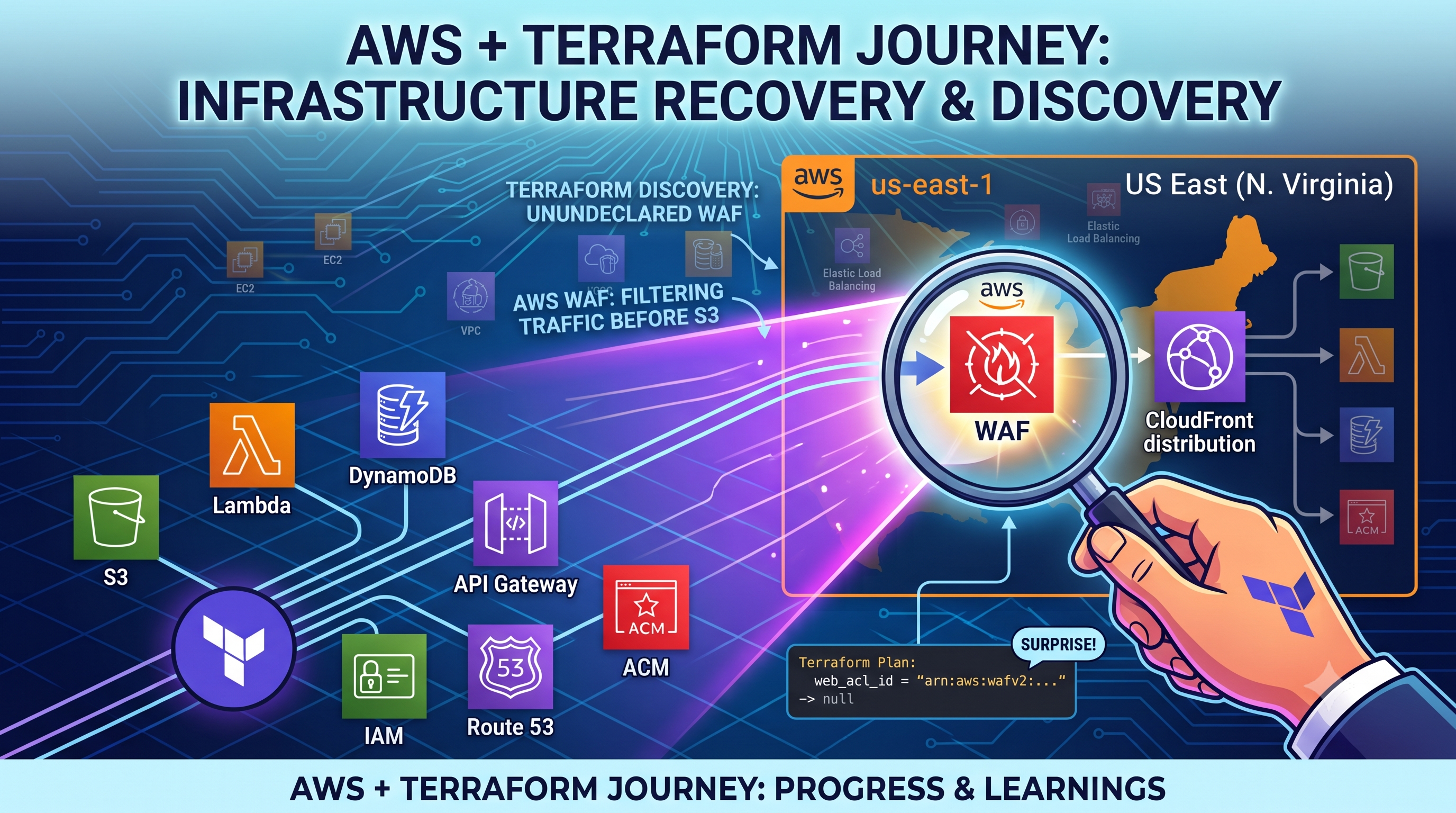
Day 3: AWS Cloud Resume Challenge
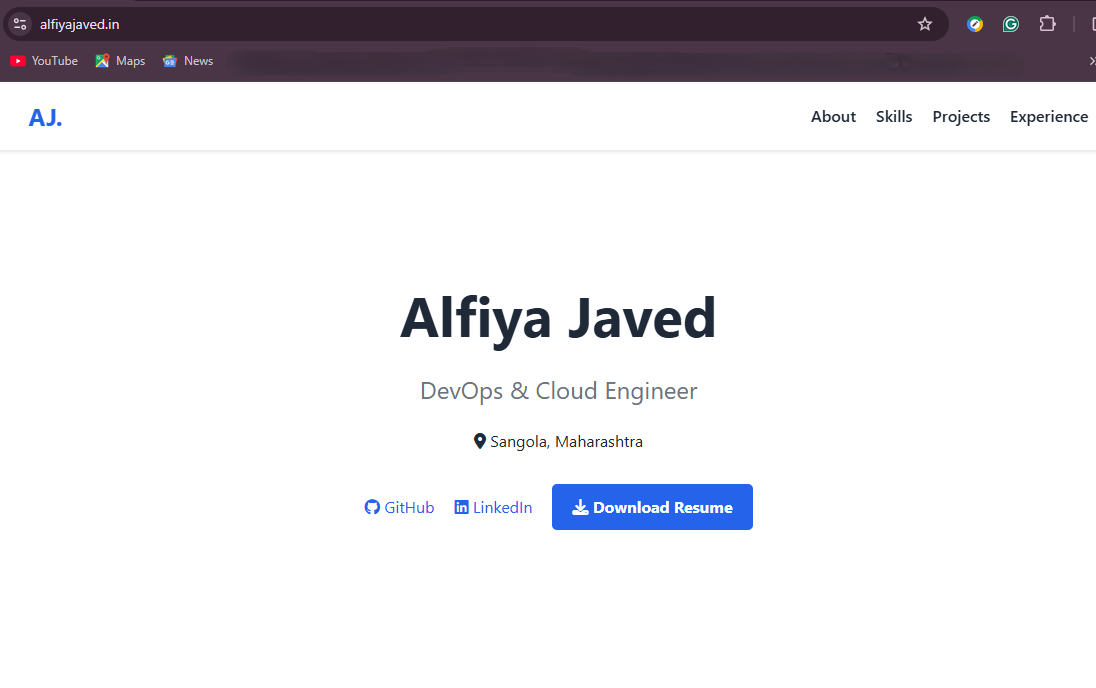
Yesterday, I successfully connected my custom domain to my S3 bucket, but I was left with a glaring issue: my website wasn't secure. Modern browsers kept blocking it because S3 static hosting only supports HTTP, not HTTPS.
To meet the HTTPS requirement of the Cloud Resume Challenge, I realised S3 alone wouldn't cut it. I had to architect a more robust solution by deploying a CloudFront CDN and generating an SSL certificate through ACM to securely serve my website.
Let me tell you, cloud networking is completely new to me, and today felt incredibly overwhelming at first. But I pushed through, and here is exactly how I solved it.
The Action:
Getting the SSL Certificate & CDN To get HTTPS, I had to put that Content Delivery Network (CDN) in front of my bucket.
First, I went into AWS Certificate Manager (ACM) to request a free SSL certificate. Fun fact: Even though my S3 bucket is in region 1, I learned that I absolutely had to request this certificate in the us-east-1 region, or CloudFront wouldn't be able to see it!
Next, I set up the AWS CloudFront distribution, attached my new SSL certificate, and pointed it at my S3 bucket.
The Roadblock:
After setting up CloudFront, my site was taking forever to load and still couldn't be reached. I panicked, assuming I had messed up the CloudFront configuration entirely. My first instinct was to just tear it down—so I clicked "Disable" and tried to delete the distribution to start completely fresh.
The Aha Moment (The Fix): While I was waiting for the distribution to disable, I had a massive realisation. The CloudFront setup wasn't the problem at all. I had built the CloudFront middleman, but I forgot to tell the internet about it! My Route 53 DNS record was still pointing traffic directly to my old S3 bucket. So, I completely abandoned the idea of deleting the distribution. I re-enabled it, went straight into Route 53, and edited my A Record. I changed the routing from the "S3 endpoint" to point to my new "CloudFront distribution" as an alias. Once I saved that new map, my site loaded beautifully with the secure HTTPS padlock!
The Big Learning:
The Restaurant Analogy. Honestly, all these nameservers and routing concepts were making my head spin today. To finally make it click, I realised it works just like a restaurant:
The S3 Bucket: This is the kitchen in Mumbai holding my raw HTML/CSS files.
CloudFront: These are my global waiters. Instead of forcing customers to walk all the way to the kitchen, the waiters securely deliver the website on a silver platter (the ACM SSL certificate) to wherever the user is.
Route 53: This is the GPS map that tells customers, "Don't go to the kitchen. Talk to the waiter."
Up Next
The heavy AWS networking infrastructure is officially done! Tomorrow, I am taking a break from the AWS console to focus on my local code. I need to update my HTML, add a visitor counter using JavaScript, and finally push this project up to a GitHub repository so I can stop uploading files manually.
#AWSCloudResumeChallenge #CloudComputing #CloudFront #Day3BuildInPublic
Comments
Join the discussionNo comments yet. Be the first to comment.