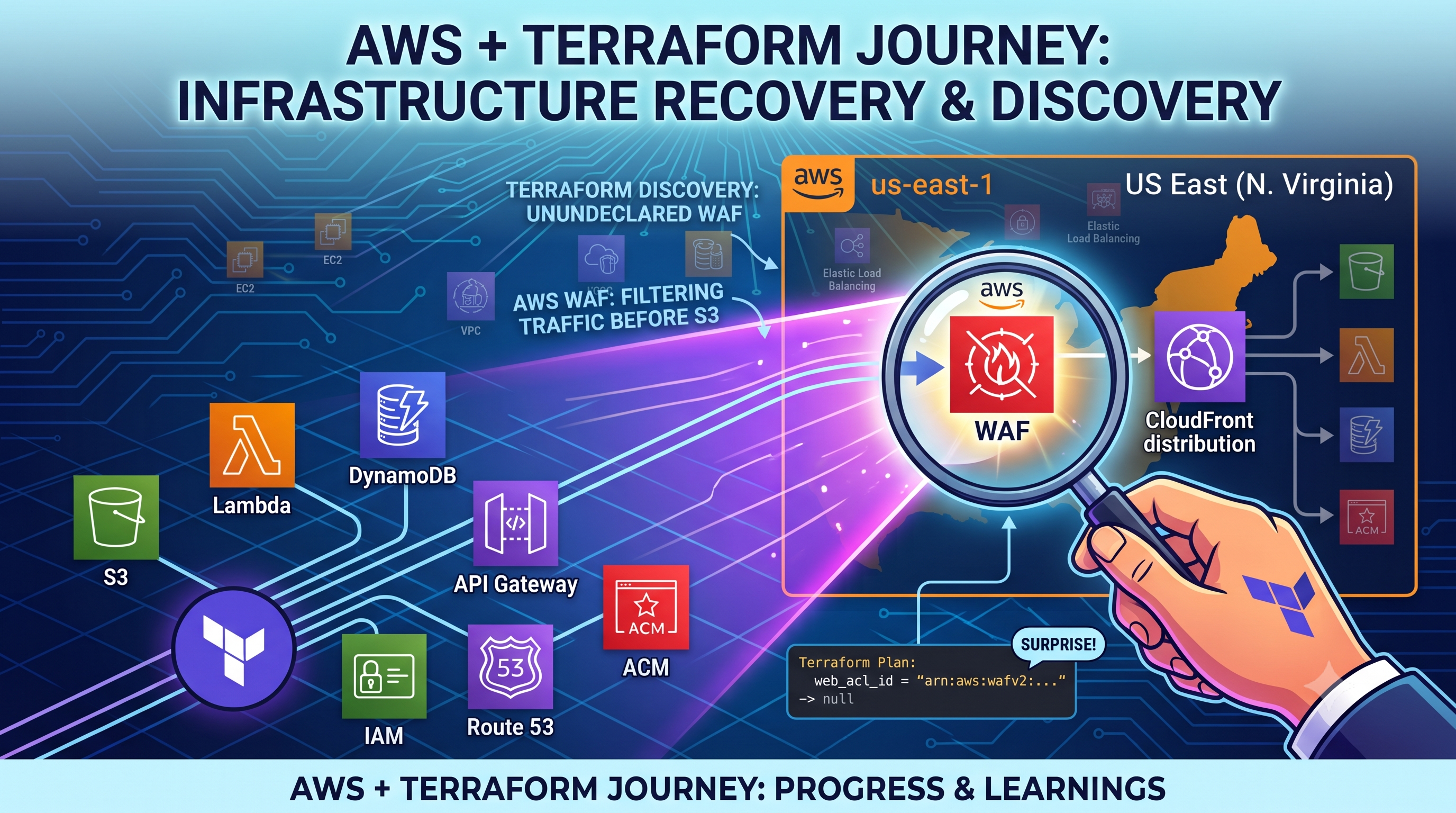
Day 2: AWS Cloud Resume Challenge
Today was all about connecting my custom domain to my AWS S3 bucket. I thought buying a domain and linking it would be a quick 10-min task, but the cloud definitely tested my patience today!
Here is a quick rundown of exactly what happened and how I troubleshoot it:
Buying the Domain & Setting up Route 53
I started the day by purchasing my custom domain (alfiyajaved.in) on GoDaddy. Next, I went straight into AWS Route 53, created a Hosted Zone, and replaced the default GoDaddy nameservers with my new AWS nameservers.
The DNS Waiting Game
After linking everything, I tried loading my website, but was stuck starting at a "GoDaddy Airo" parking page. I spent a while wondering if my A-records were wrong.
The Fix:
I learned about DNS propagation! Checked dnschecker.org and saw green ticks globally. My AWS Route 53 setup was actually 100% correct, but my local internet cache was stubbornly holding onto the old GoDaddy page.
The Browser "HTTPS" Trap
Even after the DNS was updated, my laptop threw a "Site can't be reached" error. Why? Because Chrome defaults to attempting HTTPS-first connections. Since my S3 bucket currently only supports HTTP, the browser blocked it.
The proof:
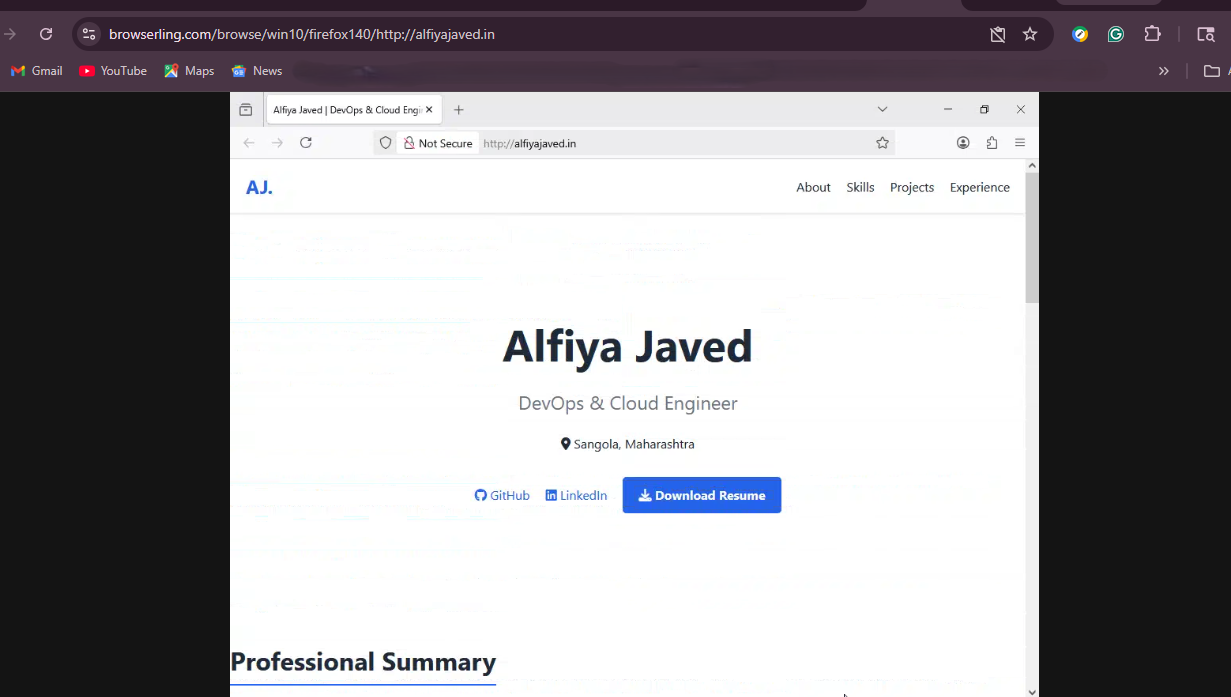
I bypassed my local browser by testing the URL on Browserling (which takes a fresh snapshot from a different server), and my resume loaded perfectly!
Up Next
To fix this HTTPS error permanently so recruiters can actually see my site. Tomorrow's goal is to jump into a different region, get a free SSL certificate via AWS Certificate Manager(ACM) and configure CloudFront
#AWSCloudResumeChallenge #CloudComputing #Day2BuildInPublic
Comments
Join the discussionNo comments yet. Be the first to comment.