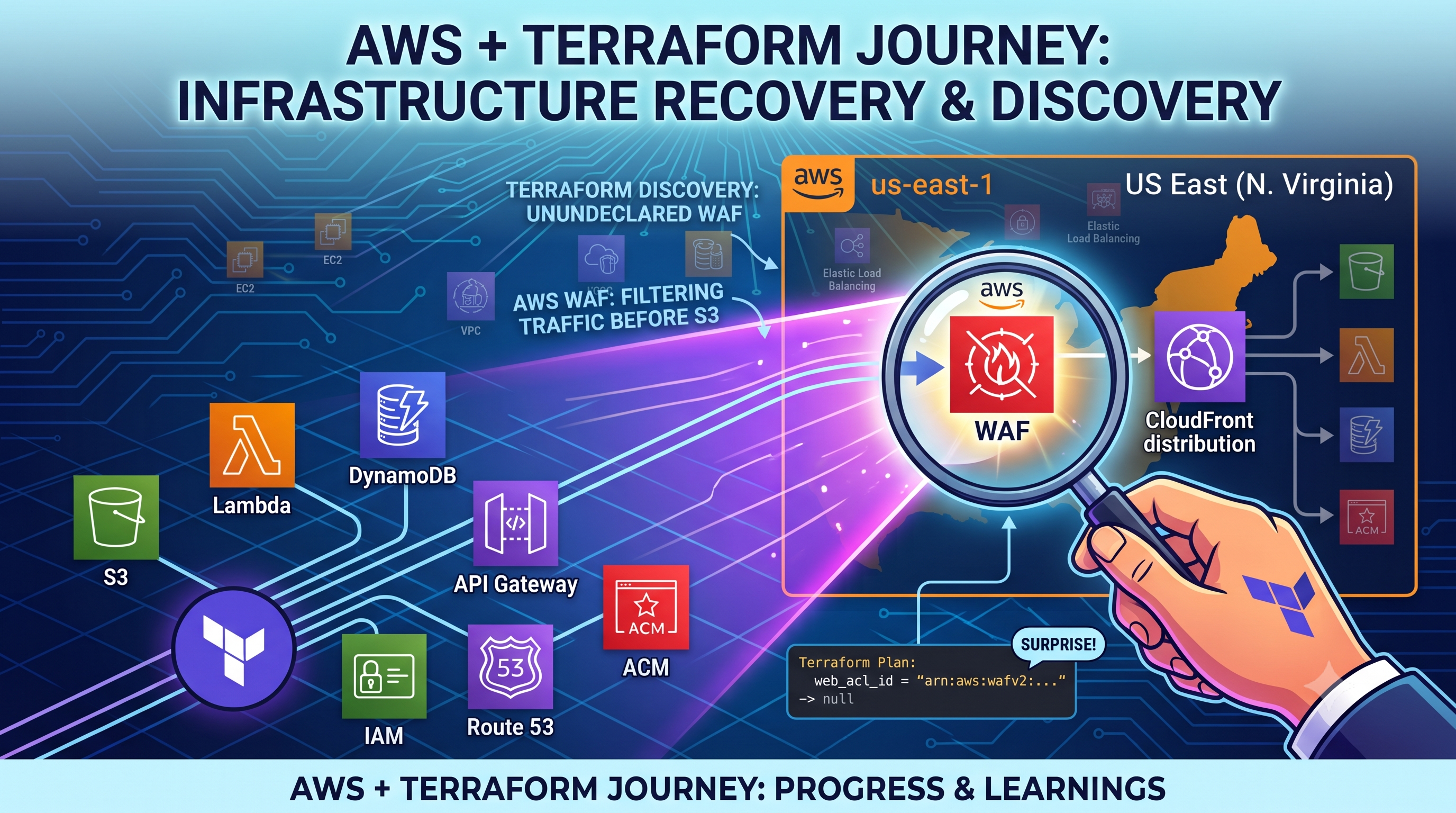
Day 17: AWS Cloud Resume Challenge
The Two-Day Detour I Didn't Plan For
This one took longer than I thought — two days, not the quick "import and move on" I expected after Day 16. I want to write about it honestly, even though it wasn't a clean, quick fix.
What Started It
On Day 16, I found a problem in my S3 bucket policy. It said Principal: "*" — this means anyone on the internet could read my files. I had written this rule way back on Day 11, just to fix a 403 error. I wrote a better, safer rule this time — one that only lets CloudFront access my bucket, and only my specific CloudFront distribution.
I saved this new rule. My website immediately broke and showed a 403 error.
The Problems I Had To Find, One By One
It turns out my CloudFront setup was never actually using something called Origin Access Control (OAC) — even though I thought it was, this whole time. My origin was set to "Public." This means CloudFront was just quietly using my bucket's public policy to get in. When I removed that public policy and added the safer one, I accidentally removed the only thing that was letting CloudFront in, because CloudFront was never set up the right way to begin with.
To fix it, I had to do these things, one at a time:
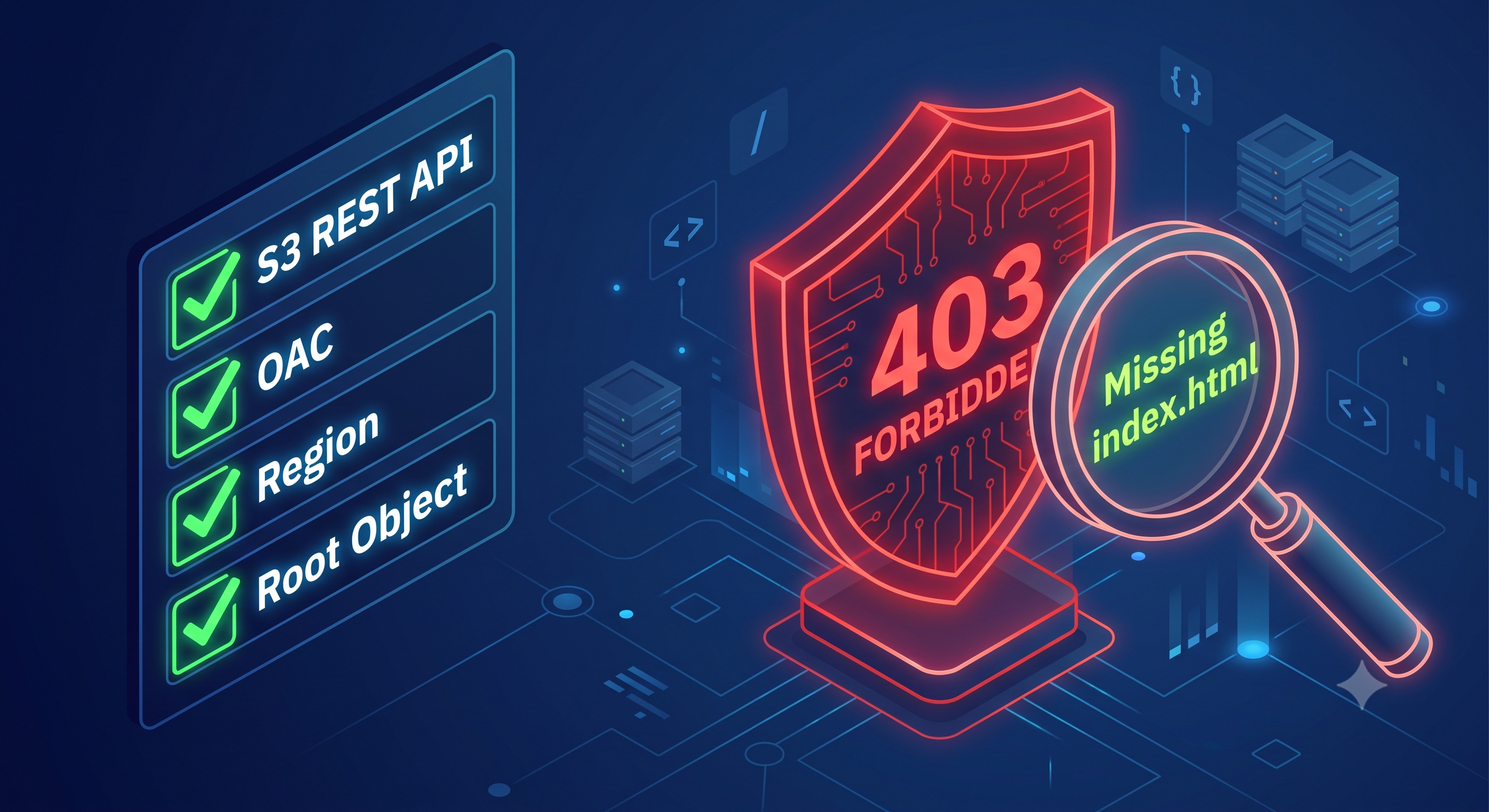
Change my origin from the S3 website link to the S3 REST API link. OAC only works with the second one, not the website one I set up back on Day 11.
Actually create an OAC — it didn't exist before, even though I assumed it did.
Check that my bucket's real region matched what I typed into the new origin. In my case, it did match, but it was still worth checking, since a wrong region would also break things.
Fix my Default Root Object setting. This tells CloudFront "when someone visits my homepage with no file name, show them
index.html." Without this set correctly, CloudFront didn't know which file to ask for.
That last one took the longest to figure out, and here's why: when this setting is wrong, S3 doesn't show a normal "file not found" error. Instead, it shows the same "Access Denied" error as a permissions problem. So a missing-file problem looked exactly like a permissions problem, the whole time, and I couldn't tell which one it actually was.
What Finally Fixed It
Fixing the Default Root Object setting was the last piece. Everything else — OAC, the origin type, the bucket policy, the region — was already correct by that point. I just couldn't tell, because every different problem showed me the same error message.
What I Actually Learned
Two days is longer than I wanted this to take. But looking back, each of those four things — origin type, OAC, region, root object — was a real, separate reason my site could have been broken. I checked each one calmly, one at a time, instead of guessing randomly or undoing everything out of panic. That's a different skill than just writing a correct policy the first time.
Real systems usually don't break because of one obvious thing. They break because two or three small things are wrong at the same time, and the error message doesn't tell you which one is the real cause.
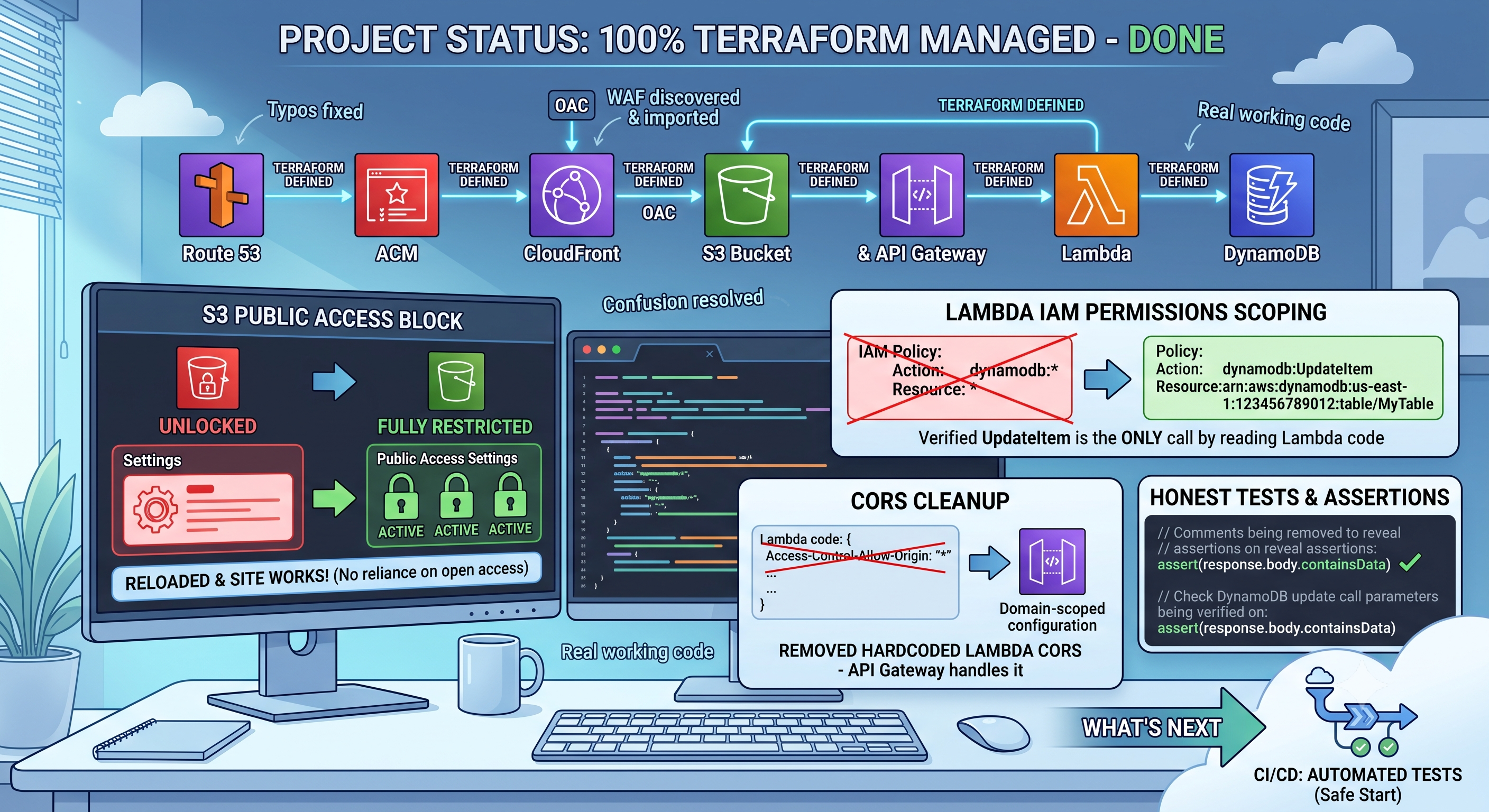
My site is working again. My bucket policy finally does what I thought it was already doing since Day 11. And now I have real Terraform code that matches what's actually running — not just a guess.
Next up: going back to Terraform — locking down public access on my bucket completely now that OAC is set up properly, and then finally moving on to CloudFront and ACM.
#AWSCloudResumeChallenge #Day17BuildInPublic #BucketPolicy #CloudFront #OAC #403ForbiddenError #AccessDeniedError #RealWorldProblemDebugging
Comments
Join the discussionNo comments yet. Be the first to comment.