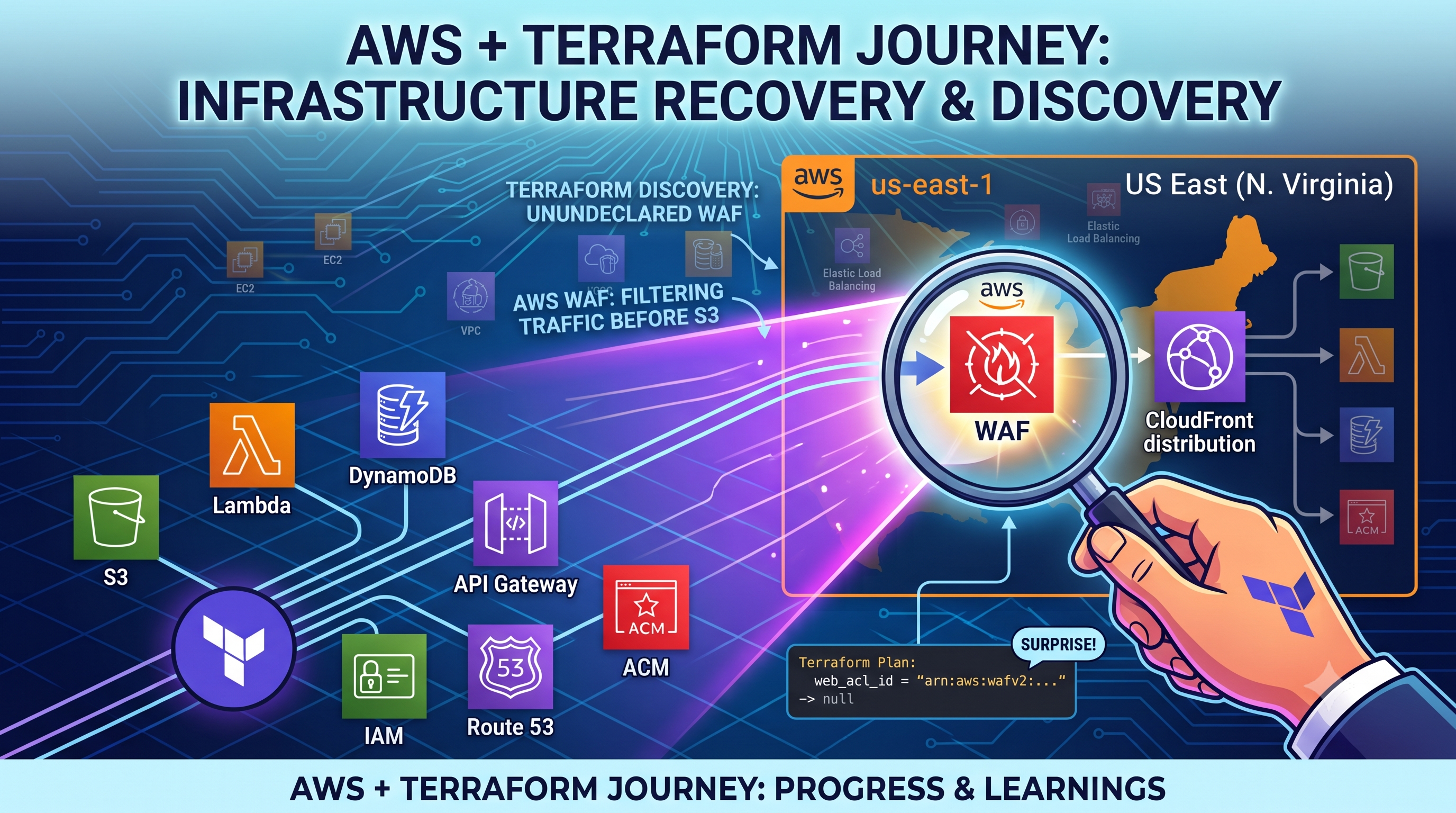
Day 15: AWS Cloud Resume Challenge
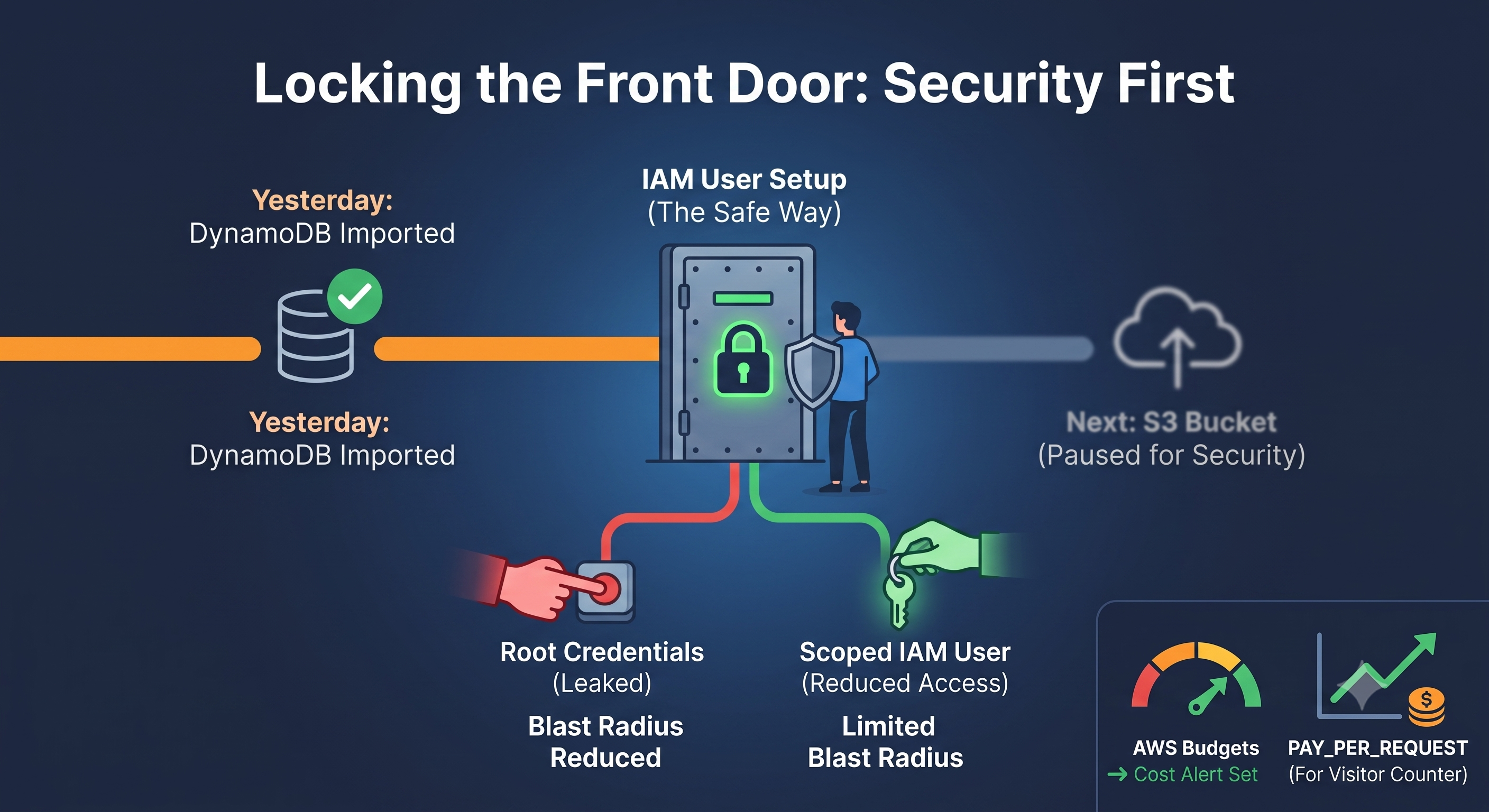
Locking the Front Door Before Building More Rooms
After yesterday's win with the DynamoDB import, I could've jumped straight into the S3 bucket next. Instead, I spent today thinking about something less exciting but more important: who's actually allowed to touch my infrastructure, and what happens if those credentials leak.
Why I Didn't Just Keep Using Root
I mentioned in my last post that I created a separate IAM user instead of running Terraform as root. Today I actually sat down and thought through why that matters, not just that it's "best practice."
Root has unrestricted access to everything in my AWS account — billing, every service, every region, no exceptions. If those credentials ever leaked — a misconfigured .gitignore, a careless commit, anything — whoever got them would own my entire account. A scoped-down IAM user limits the blast radius. Even in the worst case, a leaked key only exposes what that specific user was allowed to do.
For now, I attached broad-but-scoped AWS-managed policies (S3, DynamoDB, Lambda, CloudFront, Route 53, ACM, and IAM, since Terraform needs to manage my Lambda's execution role). It's not perfect least-privilege — a fully locked-down setup would scope IAM permissions down to exact actions on exact resource ARNs — but it's a real, meaningful step up from "everything, always," and it's honest about being a stepping stone rather than the final answer.
Understanding What Actually Costs Money
Somewhere in all this, I also went down a small rabbit hole on DynamoDB billing modes, since I wanted to actually understand the PAY_PER_REQUEST setting I'd used rather than just copying it because a tutorial said so.
Here's what I landed on: with On-Demand (PAY_PER_REQUEST), you're charged per actual read/write request, with a decent free-tier allowance before anything gets billed — great for a low-traffic personal project like mine. With Provisioned billing, you commit to a fixed read/write capacity upfront and pay for it continuously whether you use it or not, and if your traffic goes over that committed capacity without auto-scaling turned on, requests just get throttled instead of silently overcharging you.
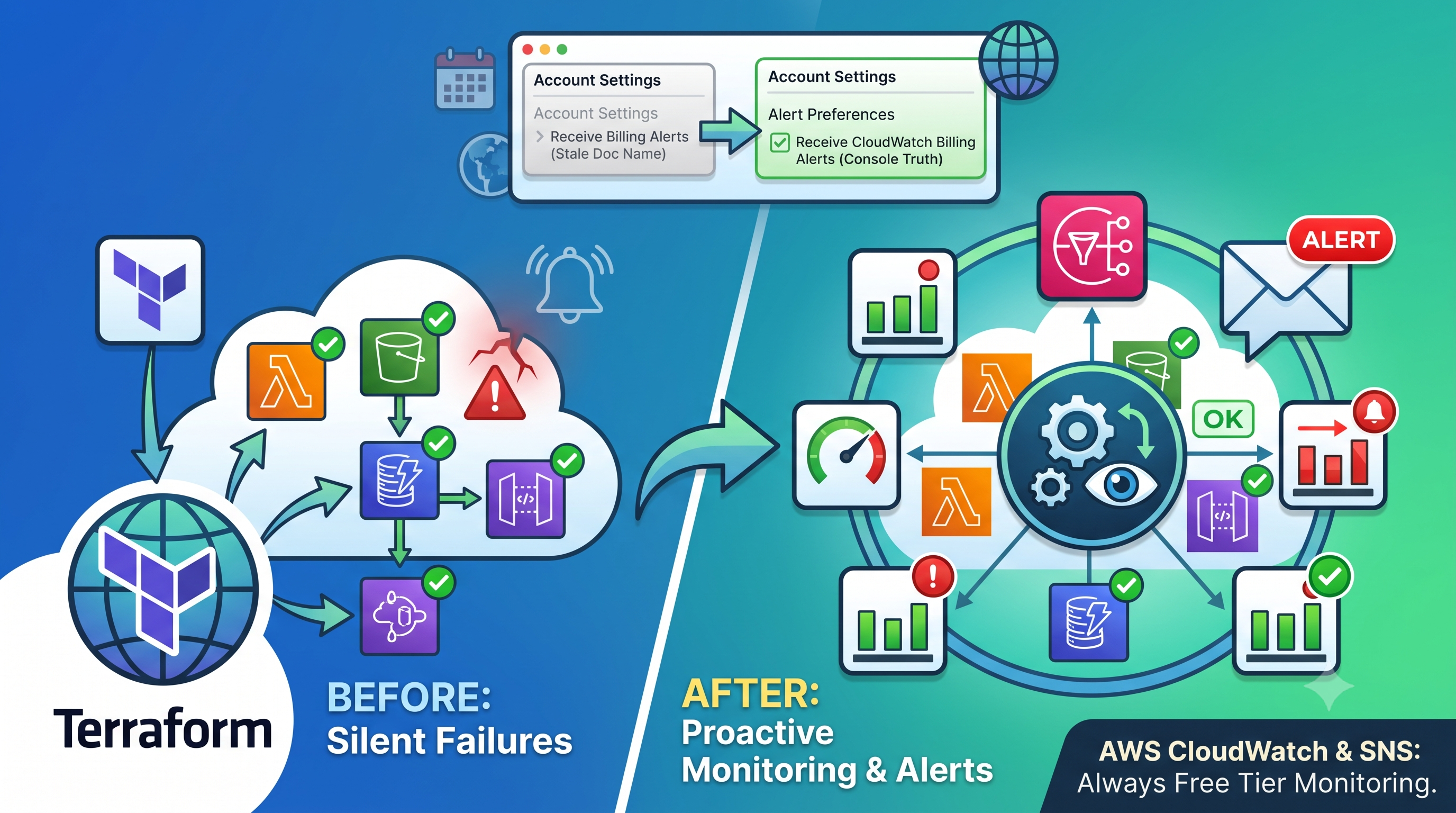
For a visitor counter that gets maybe a few dozen hits a day, On-Demand is clearly the right call. But the bigger habit I picked up from this: I went into AWS Budgets and set up a cost alert — a simple email trigger if my forecasted bill goes above a small threshold. Cheap insurance against any future mistake, Terraform-related or not.
What's Next
With the IAM setup feeling more solid and a better grip on what actually drives cost, I'm heading into the S3 bucket next — same import process as DynamoDB, but with its own quirks waiting, since modern Terraform splits things like public access blocking and website configuration into separate resource blocks instead of one big one. I already know from experience that I'll probably hit at least one dumb mistake along the way. Looking forward to writing about it.
#AWSCloudResumeChallenge #AWS #DynamoDB #IAM #Day15BuildInPublic
Comments
Join the discussionNo comments yet. Be the first to comment.